
The Liquid Technologies blog offers software developers clear guidance on XML, JSON, and data integration techniques. We share insights into the latest developments in our tools – Liquid Studio, Liquid Data Mapper, Liquid XML Data Binder and Liquid XML Objects – and provide straightforward instructions for applying them to your projects. Our goal is to equip you with useful, actionable information.
-

Understanding JSON: A Beginner’s Guide – Part 1 of 4
This tutorial series on JSON covers its syntax, popularity, and common uses, detailing key concepts and comparisons with XML. It aims to provide practical guidance for both novices and experienced developers seeking to understand JSON’s fundamentals.
-

Navigating the CBPR+ November 2025 Deadline: A Technical Guide to Schema Validation and Data Transformation
The global payments landscape is transforming due to the ISO 20022 standard, with SWIFT’s CBPR+ program phasing out legacy MT messages by November 2025. This transition involves complex challenges requiring a deep understanding of XML-based MX formats, schema validation, data mapping, and specialized tools to ensure compliance and data integrity throughout the migration process.
-

JSON to EDI Transform – Conditional Segments
Learn how to create an EDI 810 Invoice message from a JSON document using Liquid Data Mapper. We focus on mapping invoice items to the optional SAC segment, avoiding empty segments, and filtering out zero discount values in the output.
-

Convert BSON to JSON in Liquid Studio
JSON is a lightweight, human-readable data format used for data interchange, while BSON is its binary equivalent, suitable for machine use. Liquid Studio offers two methods for converting BSON to JSON: the Conversion Wizard and Liquid Data Mapper, facilitating data integration without coding.
-

Reading from multiple regions in an Excel worksheet with Liquid Data Mapper
This tutorial demonstrates how to extract and transform data from multiple regions within an Excel worksheet and use them within a data mapper transform, merging the data into a single output file.
-

Announcing Liquid Studio v21
Liquid Technologies has launched Liquid Studio v21 and Liquid XML Data Binder v21, featuring new tools, performance enhancements, and stability upgrades. Key improvements include a new theme, support for .Net versions 8 and 9, enhanced web service testing, and various security vulnerability fixes. This version is available as a free upgrade for existing users.
-

Converting xs:any defined XML data to JSON data
Converting XML to JSON can be challenging, especially with xs:any types, as their output can vary between single objects and arrays based on input. Liquid XML Objects and Data Binder provide solutions to streamline this process, including better support for XSD and JSON serialization.
-

How to open files in the Large File Editor
What is the Large File Editor? The Large File Editor enables editing of very large Gigabyte or even Terabyte size files and is part of the Liquid Studio integrated development environment (IDE). It is included in the Free Community Edition of Liquid Studio. The Large File Editor comprises a text editor view and a binary hex…
-

Important Update for C++ JSON Serialization
A bug has been identified in the Liquid C++ Runtime libraries causing random invalid results in JSON serialization. Customers should upgrade to Liquid XML Data Binder 20.7.0 or later. The issue stems from an uninitialized enum value leading to unnecessary Array creation. C# and Java versions are unaffected due to sensible defaults.
-

How to remove empty lines in Liquid Studio
To remove empty lines using regular expressions in Liquid Studio, open an XML or JSON file, select the Source or Text view, and access the Find/Replace dialog using Ctrl+H. Enable regular expressions, enter \n\n to find and \n to replace, then click ‘Replace All’. This is available in the Free Community Version.
-
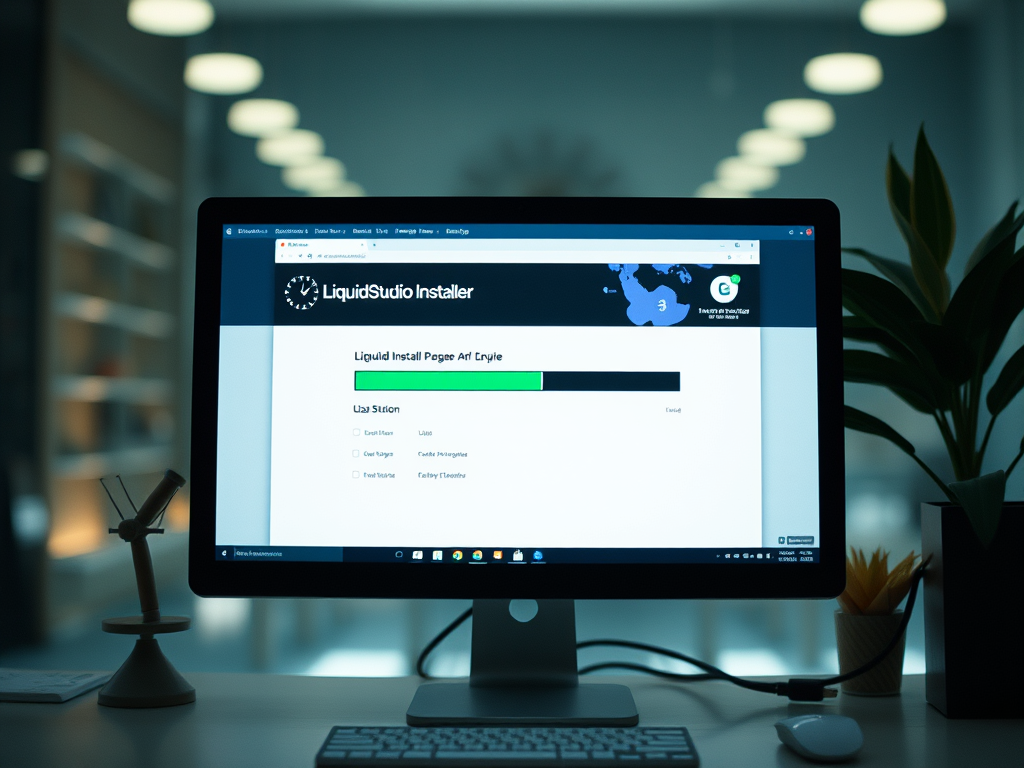
Why Is the Liquid Studio Installer is Very Slow?
The Liquid Studio Installer should take less than 30 seconds to run when you have the default options selected. If not, here are two ways in which you can speed it up.
-

Lists and Arrays in XML with Liquid XML Objects
The content discusses defining arrays in XML and utilizing them in C# code generated from Liquid XML Objects. It provides an example demonstrating XML Schema (XSD) with attribute and element lists, valid XML data, and generated C# properties for accessing array data. Additionally, it highlights Liquid XML Objects’ features and advantages over xsd.exe.