
The Liquid Technologies blog offers software developers clear guidance on XML, JSON, and data integration techniques. We share insights into the latest developments in our tools – Liquid Studio, Liquid Data Mapper, Liquid XML Data Binder and Liquid XML Objects – and provide straightforward instructions for applying them to your projects. Our goal is to equip you with useful, actionable information.
-

Announcing Liquid Studio v20
Liquid Technologies has launched Liquid Studio v20 and Liquid XML Data Binder v20, enhancing performance with new features. Notable additions include Web Service Testing tools, a YAML Editor, and code generator options for Visual Studio 2022 and .Net 6.0. Improvements also address user feedback and fix existing software issues.
-

NEW VIDEO: Using XML Schema Dependency Graphs in Liquid Studio
This video tutorial demonstrates how to utilize XML Schema Dependency Graphs in Liquid Studio for identifying XML Schema Dependencies and locating errors within an XML Schema Set. A free trial of Liquid Studio is available for download at their website.
-

NEW XML and JSON IDE – Liquid Studio Overview Video
Liquid Studio IDE is introduced in a new video, showcasing its features like XML Schema Editing, XML Editing, and XPath tools. Users are encouraged to download a free trial to explore its functionalities further. For more information, visit the Liquid Technologies website.
-

NEW VIDEO: Replace Data Values using Lookup Component in Liquid Data Mapper…
This video tutorial teaches users how to replace data values using the Lookup and Cast components in Liquid Data Mapper. It provides a straightforward transformation method. A free trial of the software is available for download at the provided link.
-

Azure Function to Convert XML to JSON using Liquid Data Mapper
Liquid Data Mapper enables graphical data transformation for Microsoft Azure Functions. By adding input and output parameter components, users can seamlessly convert XML data into JSON format. The example illustrates creating a test application in C# that sends XML data to the Azure function, showcasing Liquid Data Mapper’s capabilities for data integration and transformation.
-
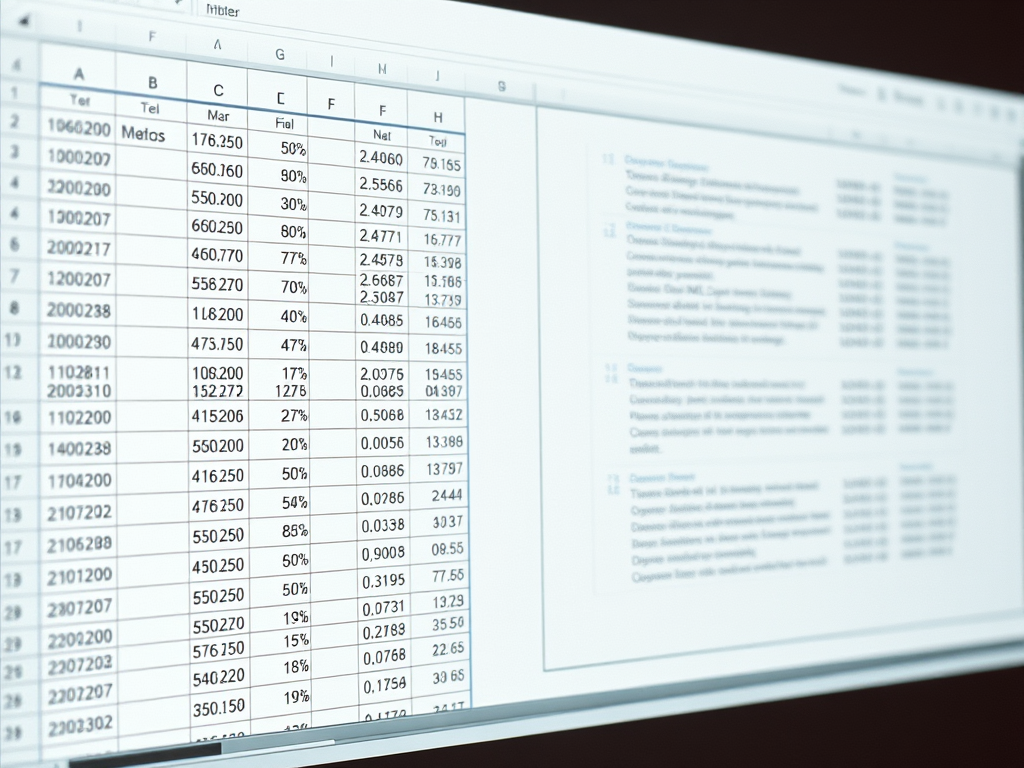
Creating Multiple Sample XML Documents from an Excel Spreadsheet with Liquid Data Mapper
This article shows you how to generate multiple XML documents, one for each row in an Excel spreadsheet, using Liquid Data Mapper.
-

Output Formatting in Liquid Data Mapper
Liquid Data Mapper includes Output Formatting options for data nodes, illustrated in the ’07 – Aggregate Functions.dm’ example. For more information on formatting various data types, consult the data mapper documentation. A free trial of Liquid Data Mapper is available for download at the provided link.
-

Using the Cast Component in Liquid Data Mapper
Liquid Data Mapper is a versatile tool for transforming diverse data formats like CSV, EDI, and JSON. It includes the Cast Component to convert incompatible data types, such as transforming a string date into an EDI-required format. Users can customize properties and format specifications for accurate data casting.
-

Recent XML Community Forum Questions
The Liquid Technologies XML Community Forum recently addressed several user inquiries, including adding schemaLocation to XML elements, generating standalone directives in C#, command line generation of code, handling destination filename errors, mapping XML to JSON, and utilizing DataMapper-generated DLLs. These discussions provide valuable insights for users.
-

NEW Liquid XML Objects – Wizard Overview Demo Video
This overview explains how to create a C# object model from an XML Schema and utilize it for serializing and editing XML data in Microsoft Visual Studio. A free trial of Liquid XML Objects is available for download at the provided link.
-

NEW Convert XML to JSON Demo Video
The new demonstration video showcases the simplicity of converting XML to JSON using the Liquid Data Mapper. Viewers can learn the conversion process with just a few clicks. A free trial of Liquid Studio and Liquid Data Mapper is available for download at the provided link.
-
Announcing Liquid Studio 2021 (v19)
Liquid Studio 2021 and Liquid XML Data Binder 2021 are now available, featuring new tools, enhancements, and performance improvements. Notable additions include the Liquid Data Diff Viewer, improved document comparison features, and options for targeting .Net 5.0. Overall, user-requested functionality has been significantly enhanced across various components.