-
JSON Lines – Working with Large Log Files

Liquid Studio features a JSON Lines Editor with a unique split view design. It supports vast files, allowing for schema-aware validation and a functional JSON editor. JSON Lines format presents each record on a new line, facilitating memory-efficient data processing.
-
Navigating the CBPR+ November 2025 Deadline: A Technical Guide to Schema Validation and Data Transformation

The global payments landscape is transforming due to the ISO 20022 standard, with SWIFT’s CBPR+ program phasing out legacy MT messages by November 2025. This transition involves complex challenges requiring a deep understanding of XML-based MX formats, schema validation, data mapping, and specialized tools to ensure compliance and data integrity throughout the migration process.
-
Convert BSON to JSON in Liquid Studio

JSON is a lightweight, human-readable data format used for data interchange, while BSON is its binary equivalent, suitable for machine use. Liquid Studio offers two methods for converting BSON to JSON: the Conversion Wizard and Liquid Data Mapper, facilitating data integration without coding.
-
How to open files in the Large File Editor

What is the Large File Editor? The Large File Editor enables editing of very large Gigabyte or even Terabyte size files and is part of the Liquid Studio integrated development environment (IDE). It is included in the Free Community Edition of Liquid Studio. The Large File Editor comprises a text editor view and a binary hex…
-
How to remove empty lines in Liquid Studio

To remove empty lines using regular expressions in Liquid Studio, open an XML or JSON file, select the Source or Text view, and access the Find/Replace dialog using Ctrl+H. Enable regular expressions, enter \n\n to find and \n to replace, then click ‘Replace All’. This is available in the Free Community Version.
-
Why Is the Liquid Studio Installer is Very Slow?
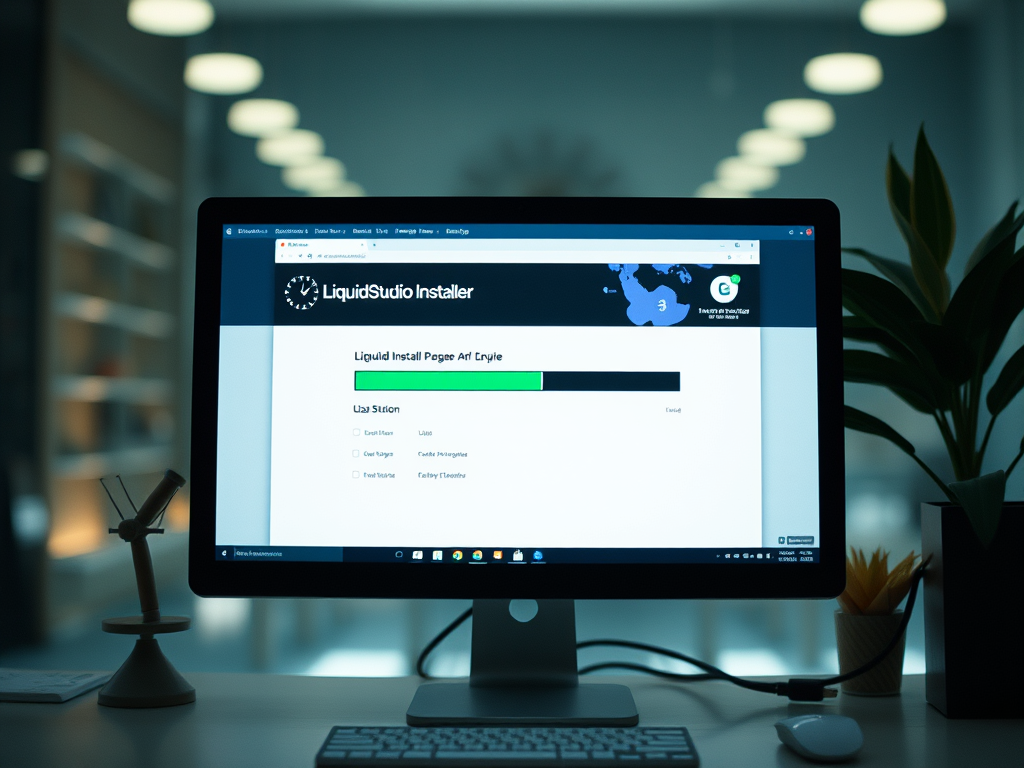
The Liquid Studio Installer should take less than 30 seconds to run when you have the default options selected. If not, here are two ways in which you can speed it up.
-
NEW VIDEO: Using XML Schema Dependency Graphs in Liquid Studio

This video tutorial demonstrates how to utilize XML Schema Dependency Graphs in Liquid Studio for identifying XML Schema Dependencies and locating errors within an XML Schema Set. A free trial of Liquid Studio is available for download at their website.
-
NEW XML and JSON IDE – Liquid Studio Overview Video

Liquid Studio IDE is introduced in a new video, showcasing its features like XML Schema Editing, XML Editing, and XPath tools. Users are encouraged to download a free trial to explore its functionalities further. For more information, visit the Liquid Technologies website.
-
Using xsi:type in XML Documents and XML Schemas

The content discusses handling multiple repair types in an XML schema for a Repair Shop using xs:choice and C#. It illustrates how to derive specialized types from an abstract base type with xsi:type for better code management and readability in XML. The approach improves polymorphism and simplifies code checks.
-
Do your XML tools support JSON?

Liquid XML originally focused on XML tools but has since expanded to include JSON support. The content provides links to various JSON-related resources on their website, such as editors, schema documentation, data mapping, and data binding instructions in multiple programming languages.
